
Customer 360 Data Model: How to Unify Customer Data for Customer Success


A customer 360 data model is one record per customer account that brings together everything your teams know about it: the CRM account and contacts, the subscription and invoices, product usage, support tickets and the history of conversations. For a customer success team it answers a simple question without opening five tools: how is this account doing, and why?
Most B2B SaaS companies already have all of this data. The problem is that it lives in systems that do not agree on who the customer is. The CRM knows "Acme Inc.", billing knows a Stripe customer ID, the product knows a workspace, and support knows a set of email addresses. Unifying customer data means deciding how those records match, which system wins when they disagree, and how to keep the result correct as the business changes.
Why customer success needs a unified customer view
Without one record per account, the work falls on people:
- Renewal prep takes a day, because someone has to pull usage, billing, tickets and meeting notes by hand.
- Risk is noticed late. A usage drop in the product and a failed payment in billing are two weak signals in two tools; together they are a clear warning nobody saw.
- Health scores are not trusted. If the score is built on accounts that were matched wrongly, CSMs stop looking at it.
- Handoffs lose context. Sales, onboarding and CS each see a different part of the customer.
The data that matters most for retention is usually in billing and in the product. In our study of 44,000 SaaS users, accounts that never performed the product's core action churned 3 to 6 times more often, and monthly plans churned 4.7 times faster than annual ones. You only see those patterns when usage and billing sit in the same record.
The five stages of a customer 360 project
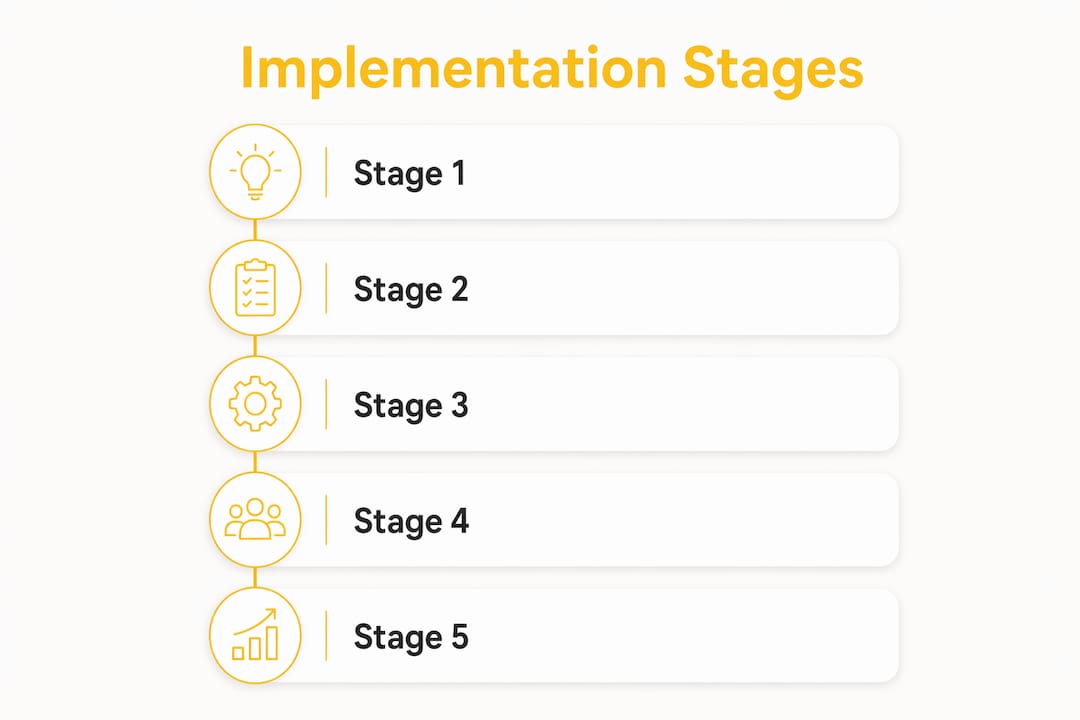
- Inventory the sources. List every system that holds customer data, who owns each one and how often it updates: CRM (HubSpot, Salesforce), billing (Stripe, Chargebee), product analytics (Mixpanel, PostHog, Segment), support (Intercom, Freshdesk), and email or meeting history.
- Choose the identifiers. Decide on one canonical account ID and how every other system's ID maps to it. Do this before you load data; changing it later means reprocessing everything.
- Map and normalize the fields. Agree on what each field means and in which format: currencies, dates and time zones, plan names, lifecycle stages.
- Load, match and resolve conflicts. Bring the data into one place, match records to accounts and apply written rules for which source wins.
- Monitor and govern. Check freshness and match rates every week, and give every source and field a named owner.
Start with one use case and a measurable goal, such as "every renewal in the next two quarters has a complete account record" or "spot falling usage on accounts above 20k ARR". A project that tries to unify everything at once rarely finishes.
Identity resolution: matching records to accounts

Identity resolution decides which records belong to the same customer. Write the matching order down before the first sync:
| Order | Match on | Type | Notes |
|---|---|---|---|
| 1 | System IDs stored across tools (CRM account ID in billing metadata, account ID in product events) | Exact | The most reliable; worth setting up early |
| 2 | Billing customer ID and email | Exact | Strong for paying accounts |
| 3 | Email domain | Rule-based | Breaks on shared domains such as gmail.com |
| 4 | Company name | Fuzzy | Last resort; send every match to a review queue |
| 5 | Manual confirmation by CS or RevOps | Exact | Highest trust, lowest volume |
One habit removes much of the manual matching: store your internal customer ID in every system. Stripe, for example, recommends keeping your own customer ID in the Customer object's metadata so it can be searched and audited later (Stripe docs).
Then decide, field by field, which system is the source of truth. A common split:
- Billing wins on MRR, ARR, plan, contract and renewal dates.
- CRM wins on account owner, company details and deal history.
- Product wins on users, activity and feature usage.
- Support wins on tickets and their status.
Keep a log of every merge and a way to undo it. Two accounts that turn out to be one customer, or one account that should have been two, are normal, not exceptional.
Data mapping: the fields customer success needs
A record that is only joined is not yet useful. Customer success needs derived fields that describe how the account is changing, not only raw event counts.
Account profile: canonical account ID and the IDs from each source, name, domain, segment, owner, parent account for multi-entity customers.
Commercial: plan, MRR or ARR, contract start, renewal date, billing frequency, failed payments, seats bought.
Usage and adoption: active users against seats, usage trend over the last 30 to 90 days, adoption of the key features, last activity, whether the core action was performed.
Support and relationship: open tickets and their severity, contacts and their roles, champion and economic buyer, last meeting, last reply.
Lifecycle: onboarding status, stage, churn or renewal outcome, so a model can learn from what actually happened.
Two mapping rules matter more than any tool:
- Trends beat snapshots. "Usage down 35% against this account's own baseline" says more than "212 events last week".
- Keep outcomes. Churned and renewed accounts are the history a churn model learns from. Never delete them from the record.
Our guide to building a customer health score explains how these fields become a score, rule-based or predictive.
Data quality checks before you trust the record
Most problems are ordinary: duplicate accounts, currencies mixed across regions, contacts without roles, history that was never backfilled, timestamps in different time zones.
- Match rate by source, every week. A sudden drop is almost always a broken integration.
- Freshness per source. Know when each system last synced, and alert when a sync goes quiet.
- Spot checks. Review a rotating sample of accounts by hand, especially the ones flagged as at risk.
- Backtest. Before a score goes live, check it against accounts you already know renewed or churned.
- History. Load 12 months of billing and support history and at least 6 to 12 months of usage where you have it, so trends and outcomes are visible from day one.
Governance: keeping the record trusted
A customer 360 is not a one-off project. It degrades as soon as ownership becomes unclear.
- Named owners for every source and every mapped field, usually in RevOps or CS operations.
- Change control: renaming or removing a field in the CRM or billing system needs a review of what depends on it.
- Access by role: CSMs need scores, usage and history; not everyone needs raw payment data.
- A quarterly review of the matching rules as new tools and sources are added.
Where AI helps, and where it does not
Language models are good at a first pass on mapping: reading field names and sample values and proposing which field in one system matches which field in another. They also make unstructured data usable, such as summarizing support conversations and meeting notes into themes and risks.
They are not a replacement for the rules. A person should review every proposed mapping before it goes live, and the matching order and source of truth per field should be decided by the team that owns the data.
Build or buy
Building a customer 360 in-house usually means connectors, a data warehouse, transformation work and someone to maintain all of it. That makes sense if you already have a data team and the record serves many departments.
If the main goal is customer success, a CS platform that connects to your CRM, billing, product analytics and support tools gives the team the unified account view without a separate data project. Whichever path you choose, the decisions above (identifiers, source of truth, field ownership) stay with you.
How Customerscore.io gives CS teams one record per account
Customerscore.io connects to the tools B2B SaaS teams already use, including HubSpot, Salesforce, Attio and Pipedrive, Stripe, Chargebee and ChartMogul, PostHog, Mixpanel and Segment, Intercom and Freshdesk, and databases such as PostgreSQL and MySQL, and brings them into one record per account with its full history. Every account gets a Churn Risk Score and an Upsell Score from 1 to 5, refreshed daily, with the reasons behind them. My Day shows each CSM who needs them today and why, and playbooks turn a flagged account into tasks for its owner. Setup is done with your team, and most teams are live in 1 to 3 weeks.
To see how it works, book a demo.
FAQ
What is a customer 360 data model?
One record per customer account that combines CRM, billing, product usage, support and conversation data, with clear rules for how records are matched and which source is trusted for each field.
What does it mean to unify customer data?
Bringing records from different systems together under one customer, resolving which records belong to the same account, and deciding which value wins when systems disagree. Putting tables next to each other in a warehouse is only the first step.
What is data mapping for customer success?
Defining how fields from each source system translate into the fields your CS team and health score use, such as plan, renewal date, active users against seats or usage trend, in a consistent format.
What is a golden record?
The single, trusted version of a customer account after matching and conflict resolution, with each field traced back to the system it came from.
How long does it take to build a customer 360?
An in-house build with a warehouse typically takes a quarter or more. With a CS platform that connects to your existing tools, most of the work is agreeing on identifiers and fields, which takes weeks rather than months.
Related: Customer health score · SaaS integration strategy · Churn prediction in SaaS · Feature adoption
Related articles
Best Customer Success Software for SaaS Teams in 2026
The 8 best customer success software platforms for SaaS in 2026, compared by company size and use case: health scoring, churn prediction, automation, pricing.
BlogMulti-Year Renewals in B2B SaaS: When to Offer Them and How
When a multi-year renewal pays off, what discount to expect, which clauses protect both sides, and how to time the offer.
BlogCustomer Success Org Design: Structure, Roles and CSM Capacity
How to structure a customer success team, size books by hours rather than ratios, and evolve the org as the company grows.
BlogSales to Customer Success Handoff: Template, Checklist and Other Handoffs
A one-page handoff brief, the fields it needs, timing targets, and how support to CS and product to CS handoffs work.